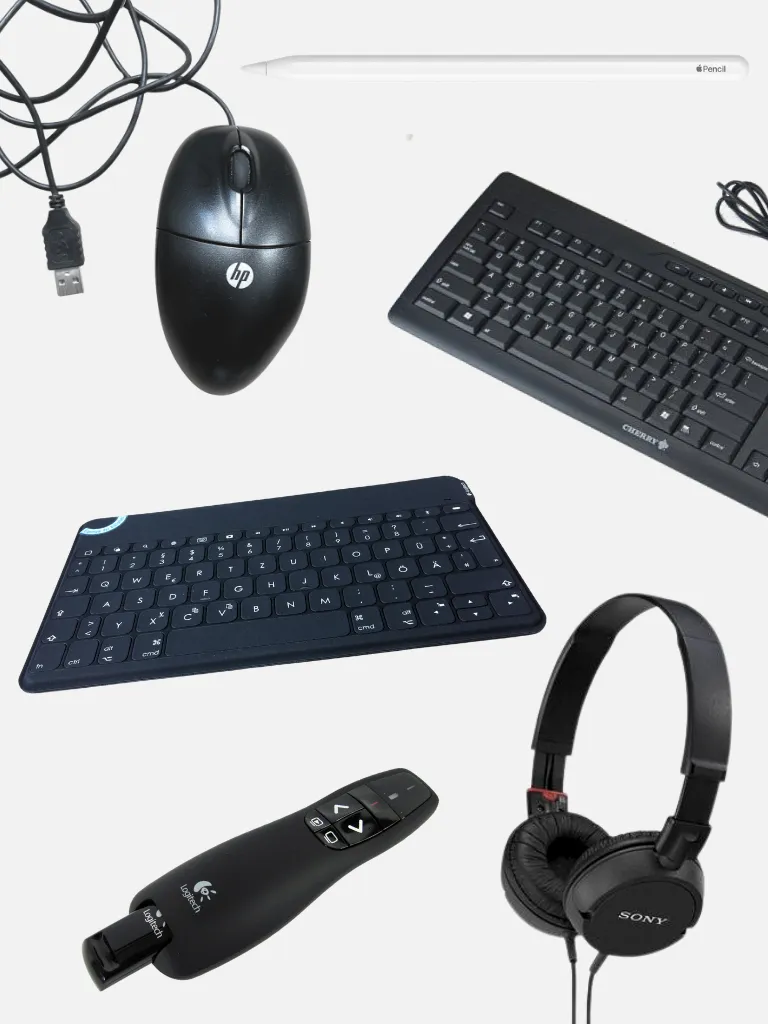
PC equipment
Here you'll find all the details about the PC accessories available for loan at the THA Library's technical devices.
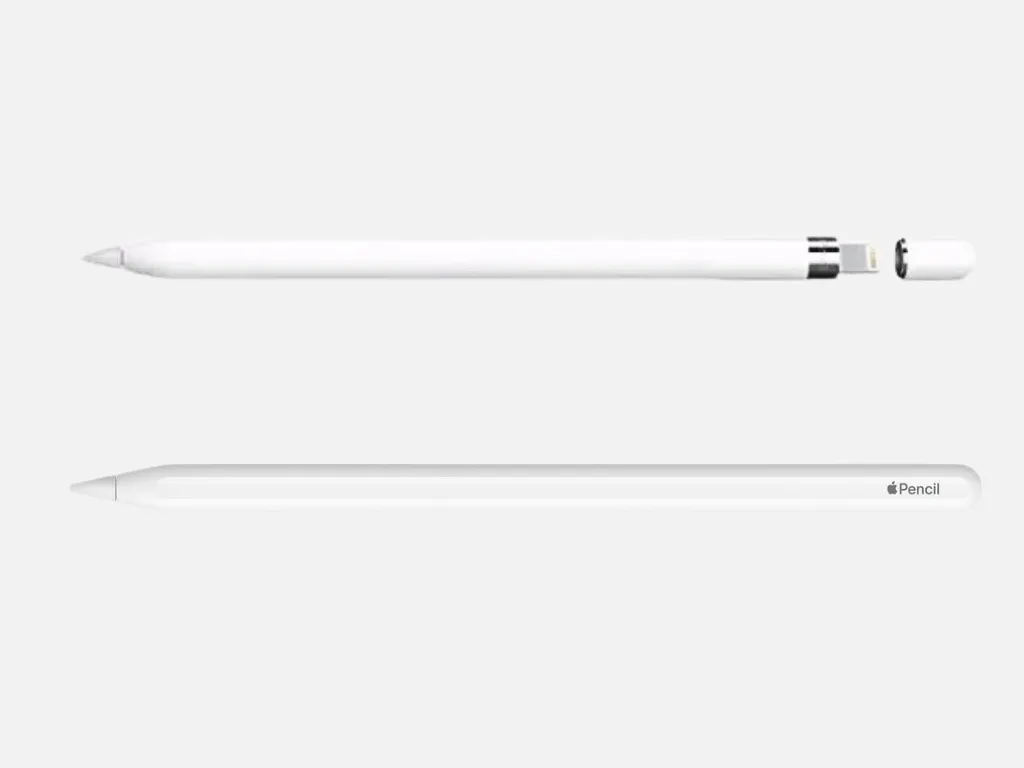
Apple Pencil
Input and drawing stylus for iPads.
1st-generation Apple Pencil (Model A1603)
Compatibility:
- iPad Pro (2016/2017 models; 9.7", 10.5", and 12.9", 1st or 2nd generation)
- iPad (6th and 7th generation)
Instructions: Pair the Apple Pencil with your iPad
Apple Pencil Pro (Model MX2D3ZM/A)
Compatibility:
- 13-inch iPad Pro (M4, M5)
- 11-inch iPad Pro (M4, M5)
- 13-inch iPad Air (M2, M3)
- 11-inch iPad Air (M2, M3), e.g., iPad Air (7, 2025)
- iPad mini (A17 Pro)
- NOT compatible with the iPad Air (5, 2022)!
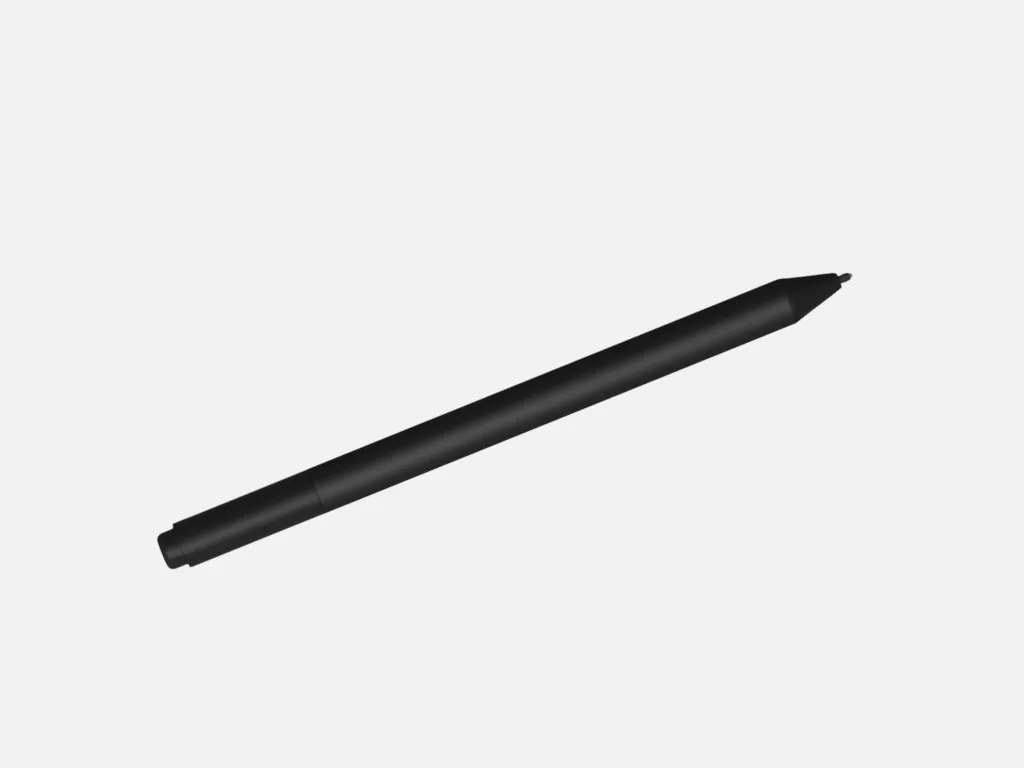
Microsoft Surface Pen
Stylus for Microsoft Surface devices.
Compatibility:
- Surface Book 1–3
- Surface Studio 1–2, 2+
- Surface Go 1–4
- Surface Pro 3–7+
- Surface Laptop 1–5, 6 for Business
- Surface Laptop Studio 1, 2
- Supports MPP protocol
Instructions: How to Use the Surface Pen
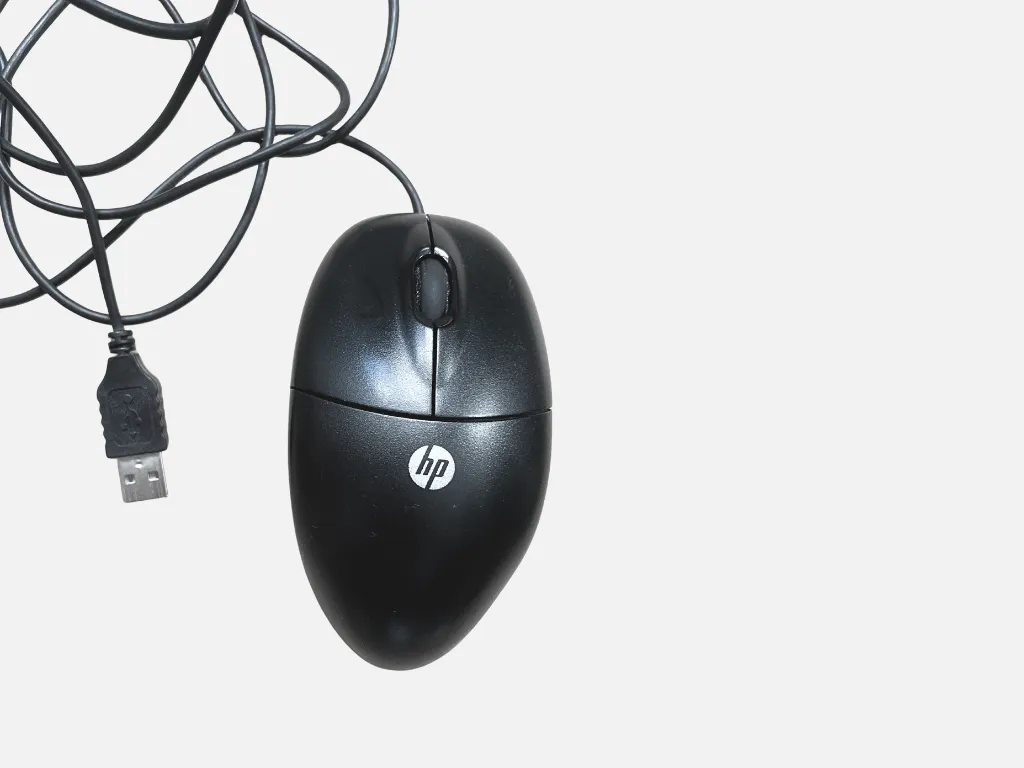
Computer mouse
Computer Mouse with USB Connection
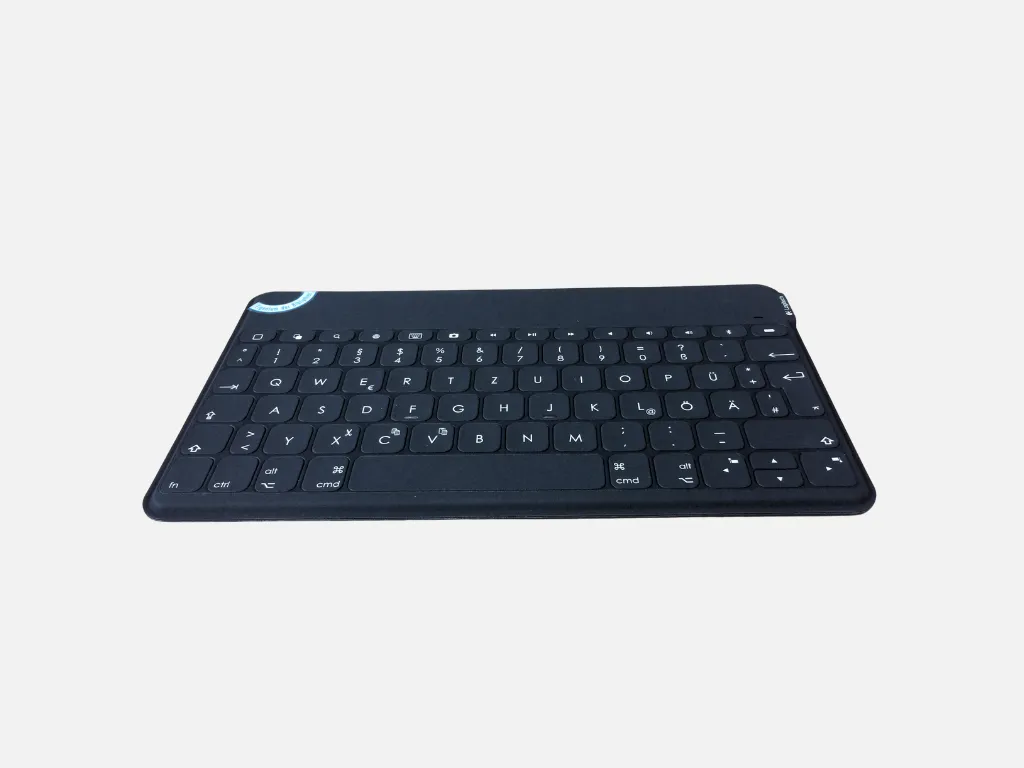
Bluetooth keyboard
The Logitech Keys-to-Go keyboard can be connected to smartphones and tablets via Bluetooth.
There are special keys designed specifically for iPads and iPhones, but the keyboard can also be used with Android devices.
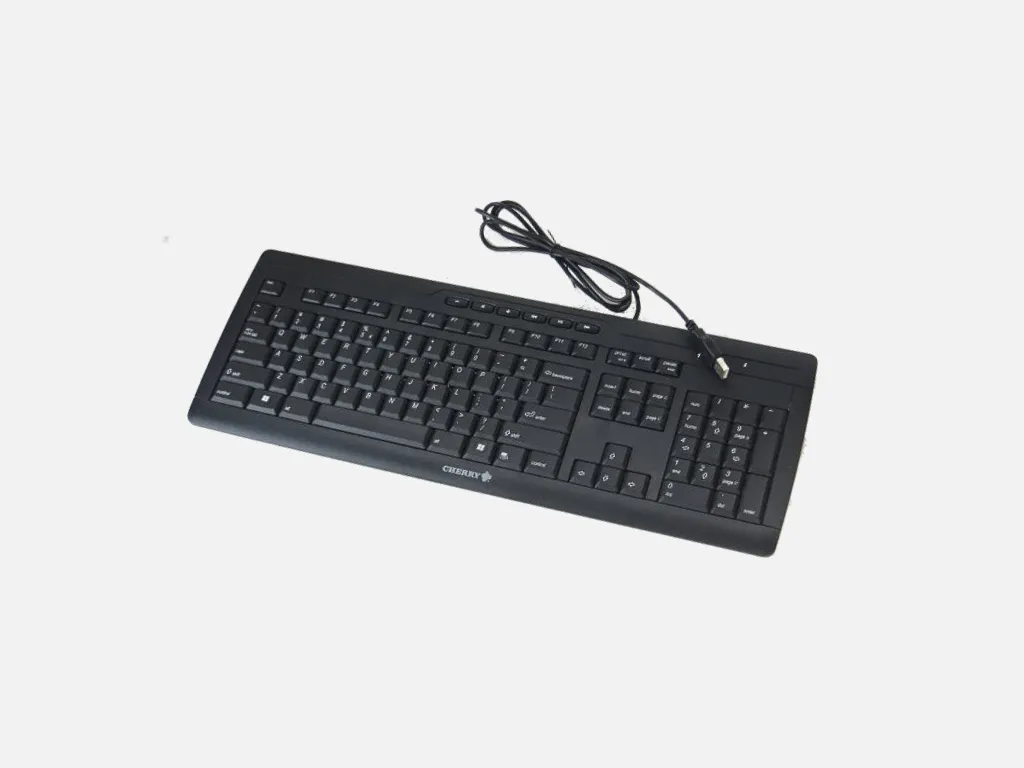
USB keyboard
QWERTZ keyboard with numeric keypad and USB port.
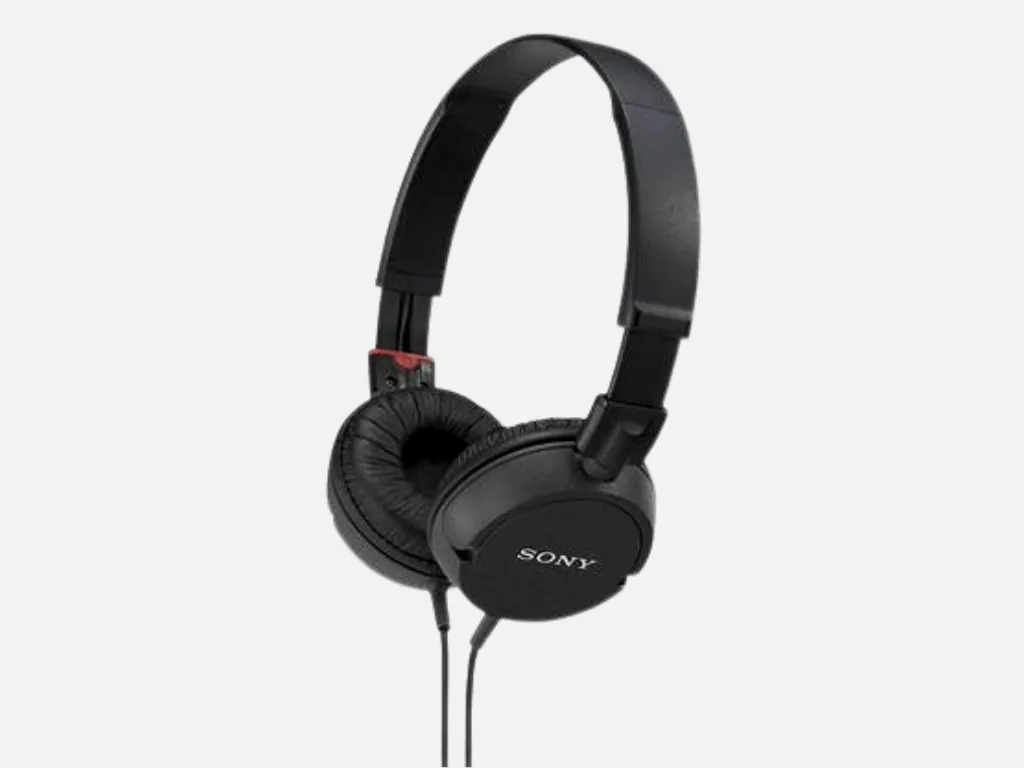
Headphones
Borrow a pair of on-ear headphones or a headset:
- 3x Sony MDR-ZX100, 3x Sony MDR-ZX310R (red), and 1x Sony MDR-ZX110 headphones with a standard 3.5-mm jack
- 1x Logitech H330 USB headset with USB connection
- 1x Tellmemore headset with separate audio and microphone jacks
Want to watch educational videos on a computer, complete a lesson from an audio language course, or watch a documentary in the library without disturbing other library users? With headphones, you can also listen to music (quietly) in the library if it helps you study better.
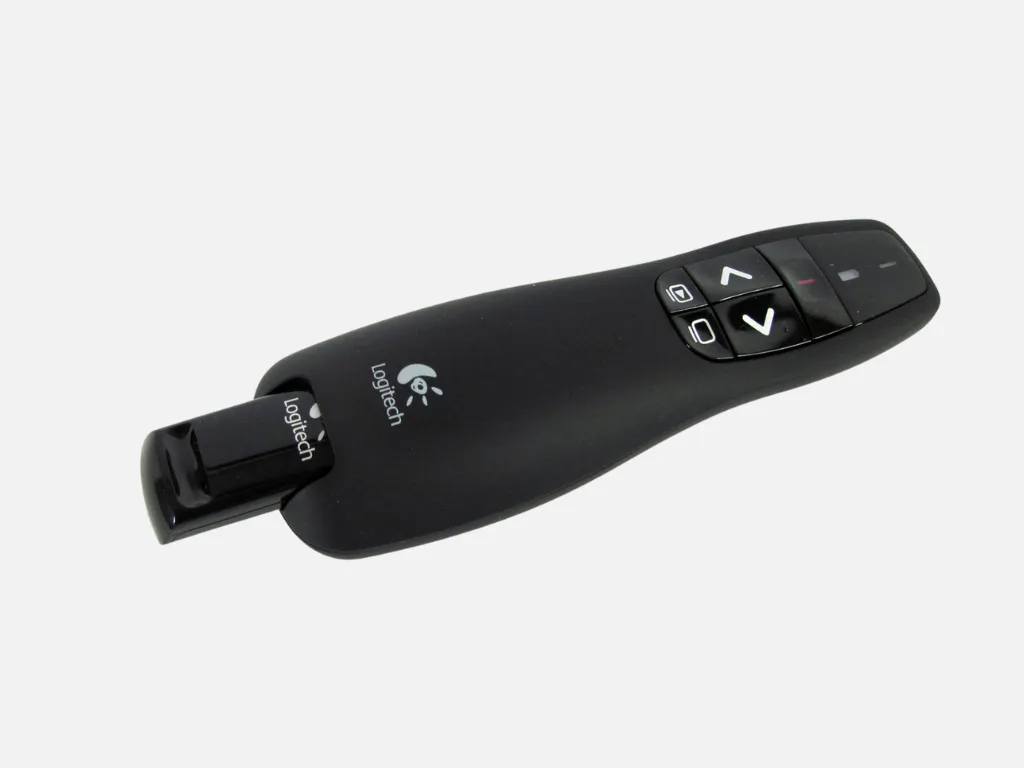
Presenter
You can borrow one of 12 wireless remote controls with a laser pointer (Logitech Wireless Presenter R400) for presentations.
Reservations for a specific day (up to 1 week in advance) are available upon request.
With this remote control, you are not tied to your laptop during your presentation; instead, you can move freely around the room and thus interact better with your audience.
The presenter connects to the laptop via a small USB receiver (no software installation required). With a click of the remote control buttons, you can advance or rewind through the slides of your presentation (PowerPoint, Prezi, PDF, etc.) or briefly black out the screen. You can use the built-in laser pointer to highlight details.
USB flash drives
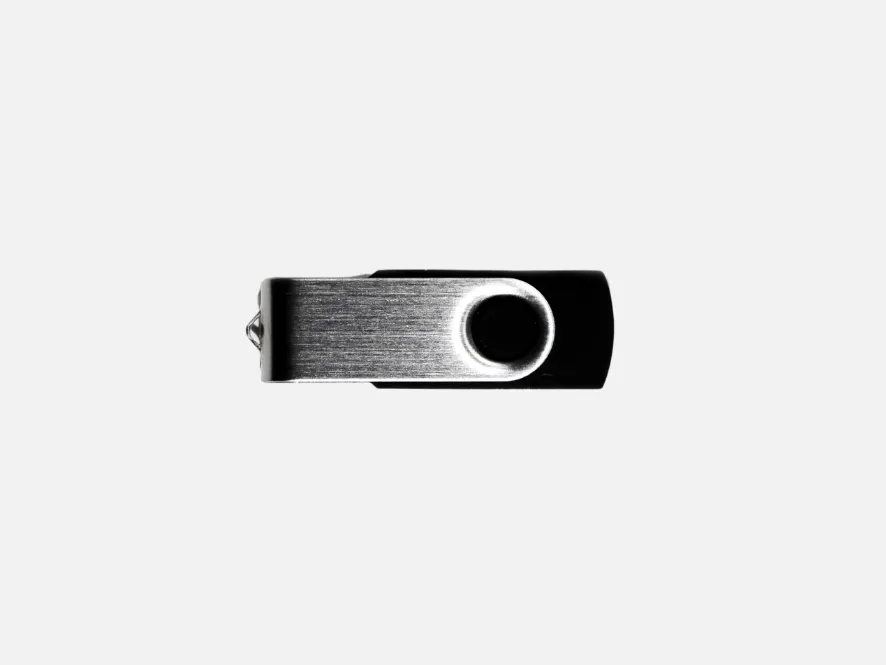
For two days during opening hours, you can borrow a USB flash drive with 4, 8, or 16 GB of storage capacity. Use it, for example, to save scans from the BookEye scanner.
Please delete your data yourself before returning it!
A fee of 15 euros will be charged if the drive is lost.
DVD drive
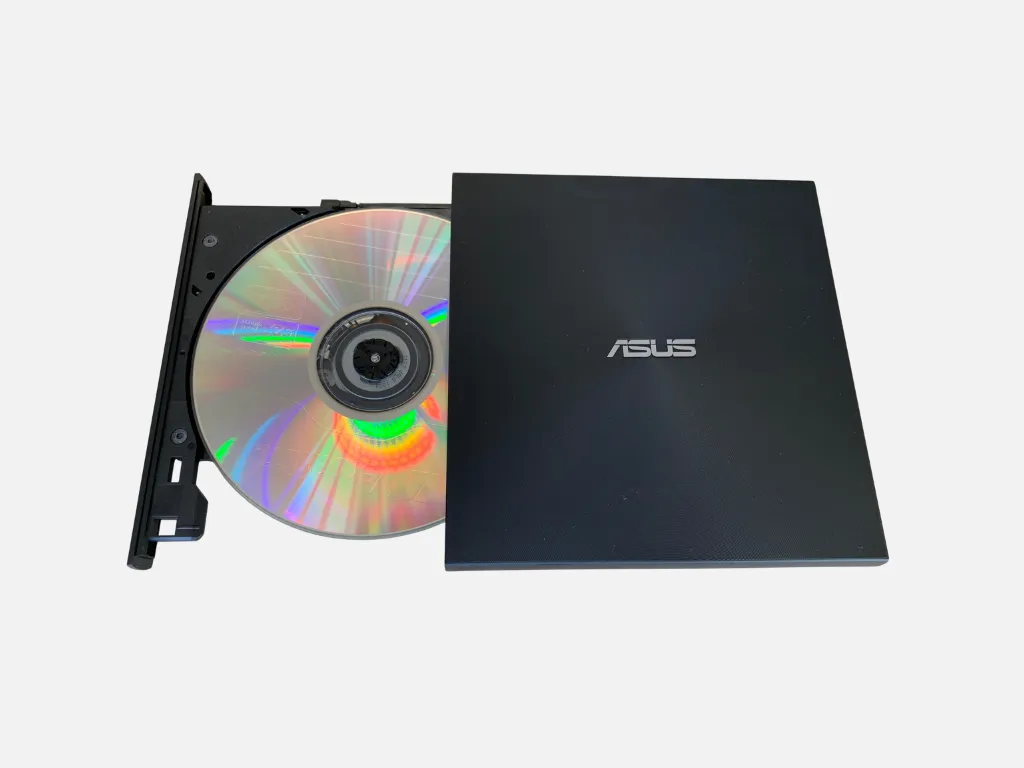
You can connect this external DVD drive to your PC, laptop, or Mac using the included cables to read and burn CDs or DVDs.
Rental package:
- ASUS ZenDrive U9M drive in a carrying case
- Copy of Quick Start Guide
- Cables: Mini USB to USB-C
- Y-shaped cable: USB Mini to USB-A
Technical Details:
- Compatible with Windows (8/10/11) and Mac OS® X 10.6 and later
- Read speed: 8x (DVD-ROM, DVD+R, DVD-R, DVD+R (SL, M-DISK), DVD+RW, DVD-RW, DVD+R (DL), DVD-R (DL)) or 24x (CD-ROM, CD-R)
- Write speed: 8x (DVD+R, DVD-R, DVD+RW) or 6x (DVD-RW, DVD+R (DL), DVD-R (DL)) or 4x (DVD+R (SL, M-DISK)) or 24x (CD-R, CD-RW)
- with M-DISC support for lifelong (=1,000 years) data preservation (standard DVDs: 7-year lifespan)
- System Requirements:
- CPU: Intel® Pentium® 4 2.0 GHz or AMD Athlon™ 2100+ or higher
- RAM: 512 MB or more recommended
- Hard drive: 10 GB or more
Cables & Adapters
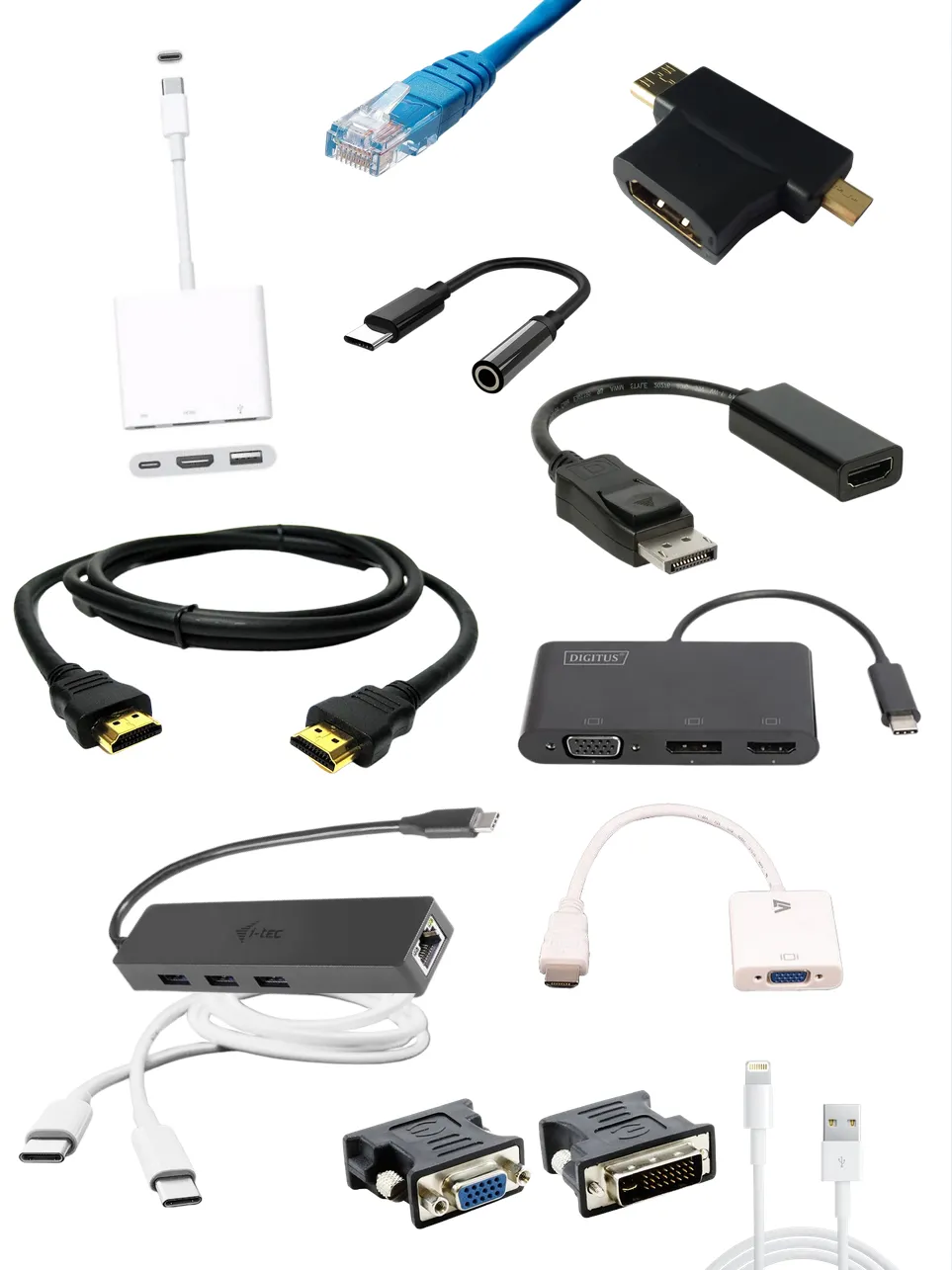
Here you'll find all the details about the cables and adapters available at the THA Library's technical devices.
- USB-C to USB-C Cable
- USB-C to USB-A Cable
- USB-C to USB and HDMI adapters
- USB-C to HDMI/DisplayPort/VGA adapter
- USB-C to 3.5mm jack
- USB-C to USB-A/LAN Adapter
- USB-C to Lightning Cable
- Lightning cable
- USB to LAN
- USB Micro Cable
- 30-pin cable
- USB-B micro cable
- HDMI cable
- HDMI to VGA Adapter
- HDMI to DVI adapter
- Micro-HDMI to HDMI cable
- Micro/Mini HDMI to HDMI adapter
- VGA Cable
- DVI-D Cable
- DVI to VGA Adapter
- DisplayPort to DVI Adapter
- DisplayPort to HDMI Adapter
- DisplayPort cables
- Mini DisplayPort adapter
- iPhone/iPad to HDMI Adapter
- MHL Adapter
- LAN cable
USB-C to USB-C Cable
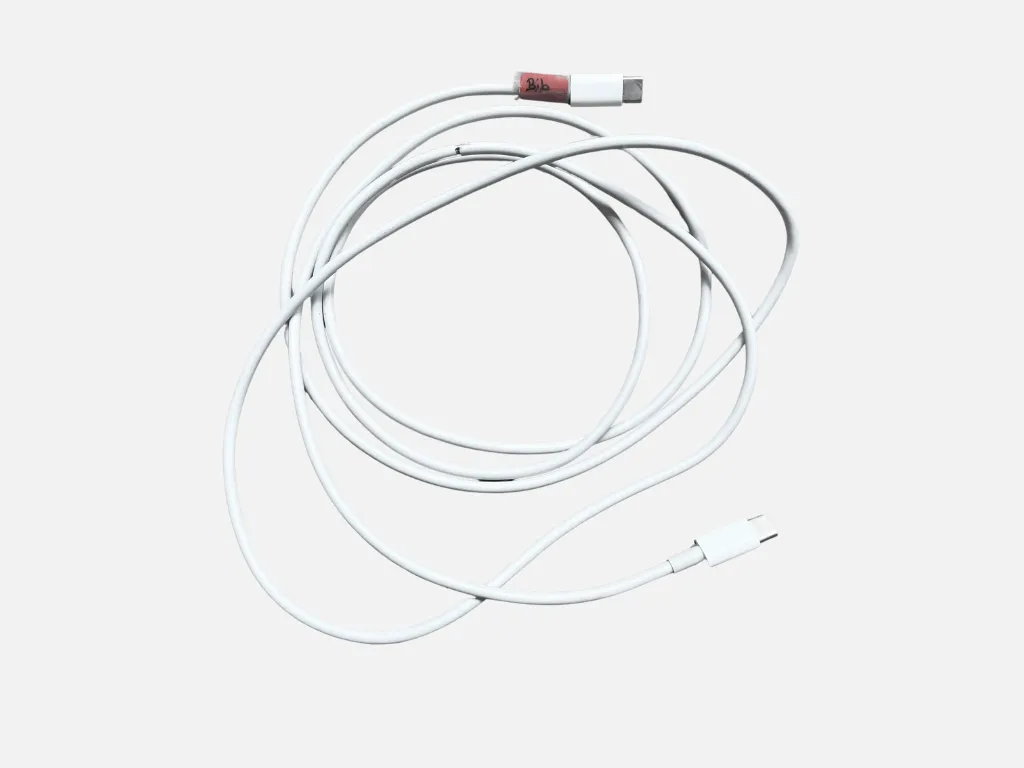
This cable has a USB-C connector on both ends.
It is suitable for charging, syncing, and transferring data between USB-C devices.
With a USB-C power adapter (available for rent separately), you can also use the cable to charge USB-C devices from a wall outlet.
2 cable lengths available:
- 1 meter (Brand: Assmann)
- 2 meters (Brand: Apple)
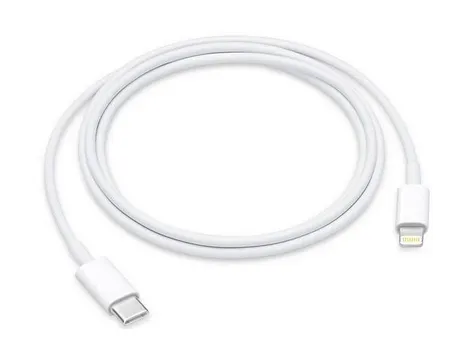
USB-C to lightning cable
The USB-C to lightning cable allows you to connect older iPhones and iPads to computers or USB chargers with USB Type-C ports.
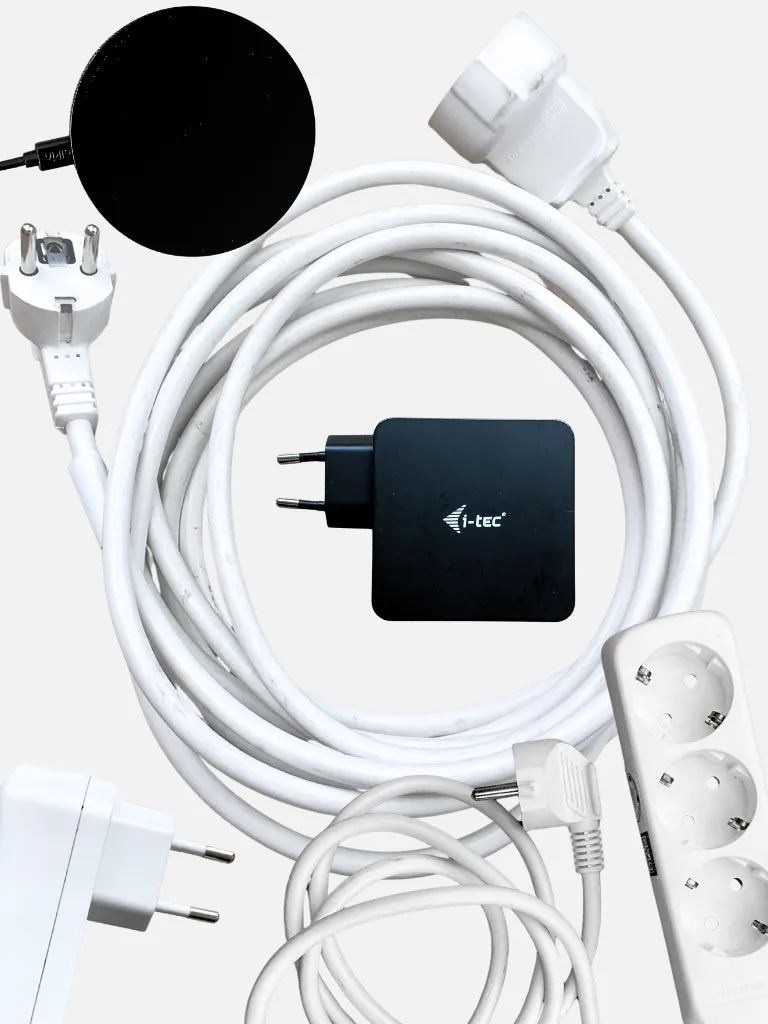
Power supply
Here you'll find all the details about the power adapters and power cords available for checkout from the THA Library's equipment lending service.
- Power Banks
- USB Power Adapter
- Wireless Charging Pad (Qi)
- Universal power adapter for laptops
- Apple USB-C Power Adapter 61W
- USB-C Power Adapter 60W
- Power adapter for Microsoft Surface
- Cell Phone Charging Station
- Power Adapter for MacBook Pro
- Charging Case for AirPods (3rd Gen.)
- Power Extension Cord
- Power strip
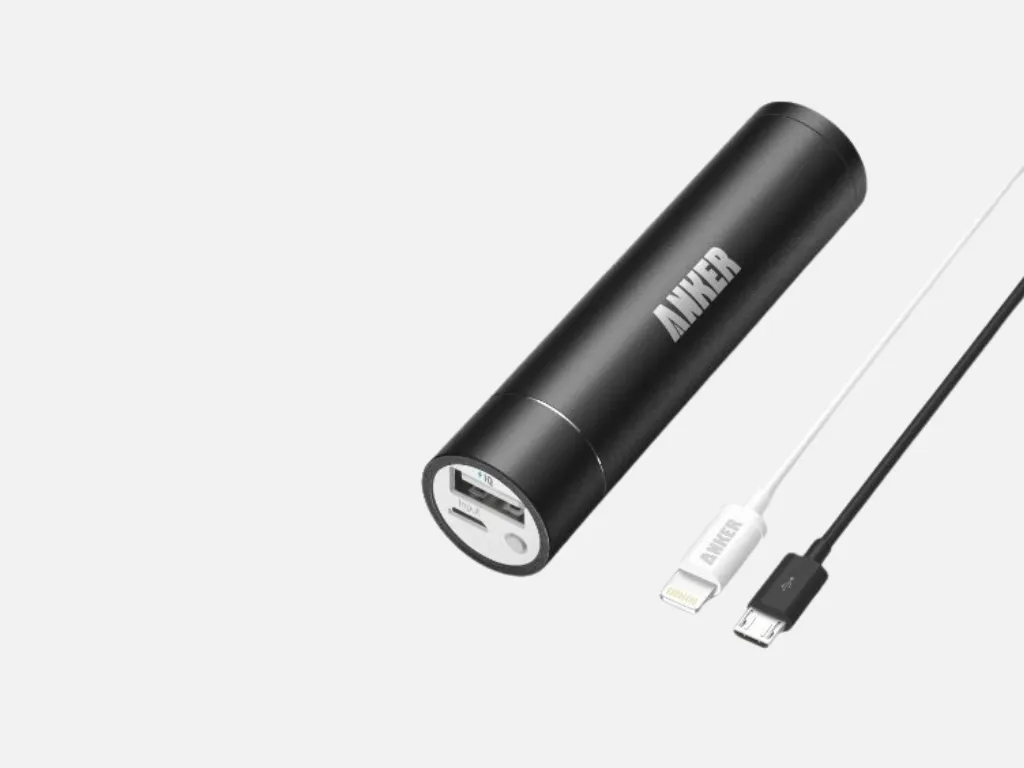
Power banks
The lipstick-sized Astro mini is compatible with (almost) all devices that can be charged via a USB cable.
Rental package:
- 1 portable battery
- 1 Micro-USB cable (compatible with Android smartphones, tablets, and other USB-charging devices)
- 1 Apple-certified Lightning-to-USB cable (made for iPod nano 7th gen./touch 5th gen., iPhone 5/5c/5s, iPad mini/mini with Retina/4th gen./Air)
- 1 cable pouch
- Instructions
Technical Details:
- 3200 mAh or 3350 mAh (enough to fully charge most smartphones at least once)
- PowerIQ technology: Detects your device to deliver the fastest possible charging speed of up to 1A.
- Not compatible with: iPod Classic, HP TouchPad, Dell Venue 11 Pro, Asus tablets, and some GPS and Bluetooth devices
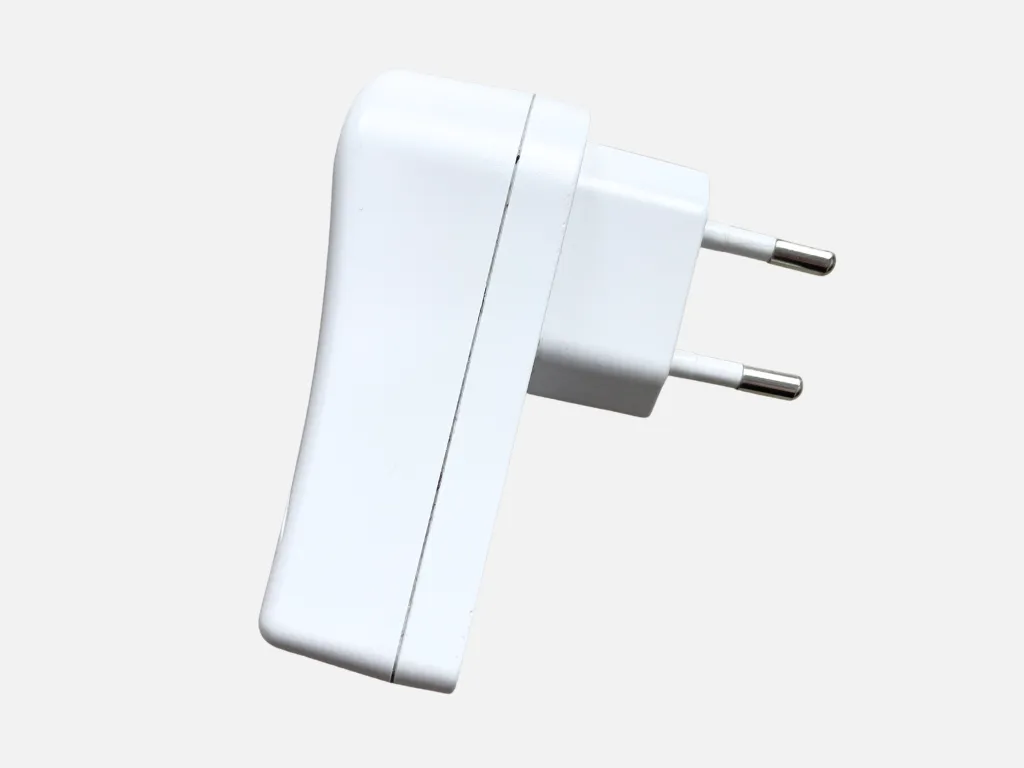
USB power supply
With this charger, you can charge your USB device (such as your smartphone) using a USB cable (sold separately) plugged into an outlet.
Input: 100–240 V, 0.5 A, 50–60 Hz
Output: 5 V, 2.1 A
Users are responsible for verifying compatibility themselves. The library is not liable for any damage to devices resulting from the use of this power adapter.
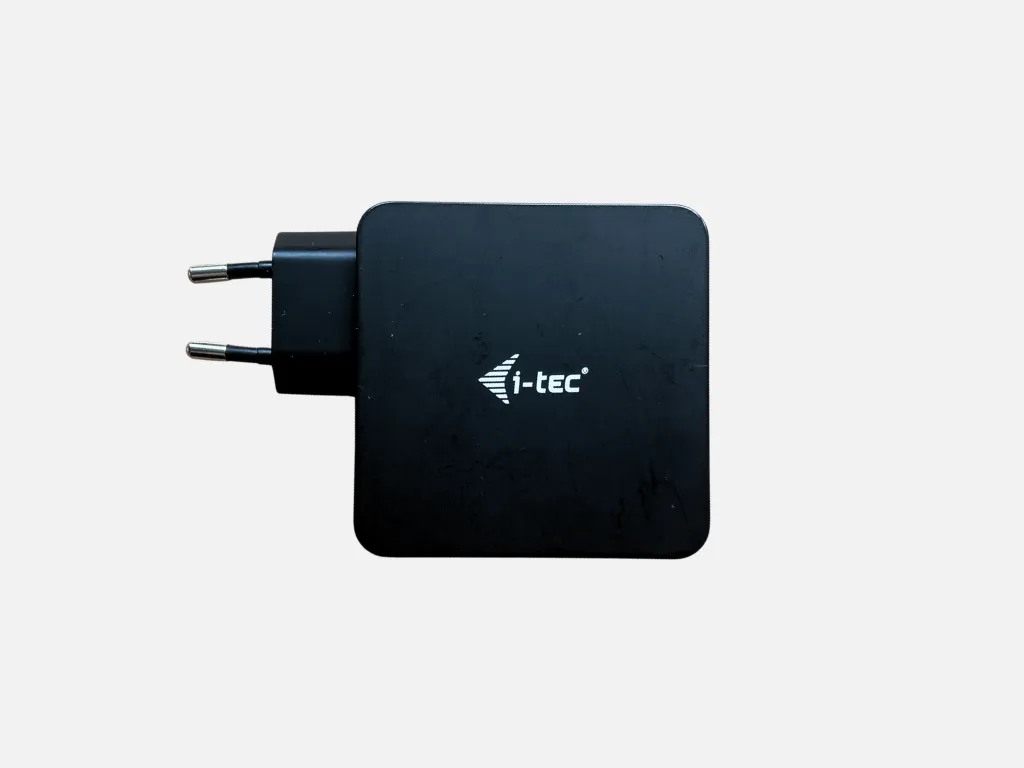
60W USB-C power adapter
Universal 60 W USB-C power adapter for charging laptops, tablets, smartphones, and other devices with a USB-C charging port. USB-C cable included.
Compatibility:
- All devices that can be charged via a USB-C cable
- Laptops with Thunderbolt 3
Technical Specifications:
- USB-C port: 60 W
- USB-A port, 12 W
- Input voltage: AC 100–240 V, 1.3 A, 50–60 Hz
- Output voltage (automatic selection):
- USB-C: DC 5V / 9V / 12V / 15V / 19V / 20V, 3A (max)
- USB-A: DC 5 V / 2.4 A (max)
- Protection against: overcurrent, overvoltage, short circuit, and overheating
You are responsible for verifying compatibility yourself. The library is not liable for any damage to devices resulting from the use of this power adapter.
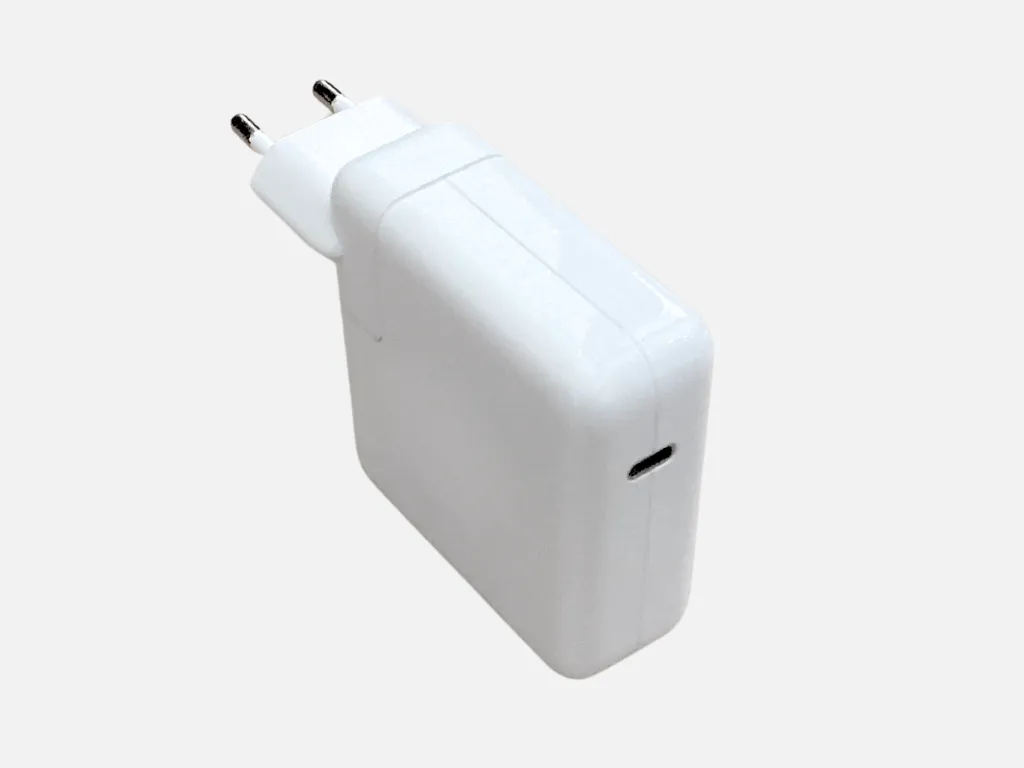
Apple 61W USB-C power adapter
With this charger, you can charge your USB device (e.g., your smartphone) using a USB cable (sold separately) plugged into an outlet.
Input: 100–240 V, 0.5 A, 50–60 Hz
Output: 5 V, 2.1 A
Users are responsible for verifying compatibility themselves. The library is not liable for any damage to devices resulting from the use of this power adapter.
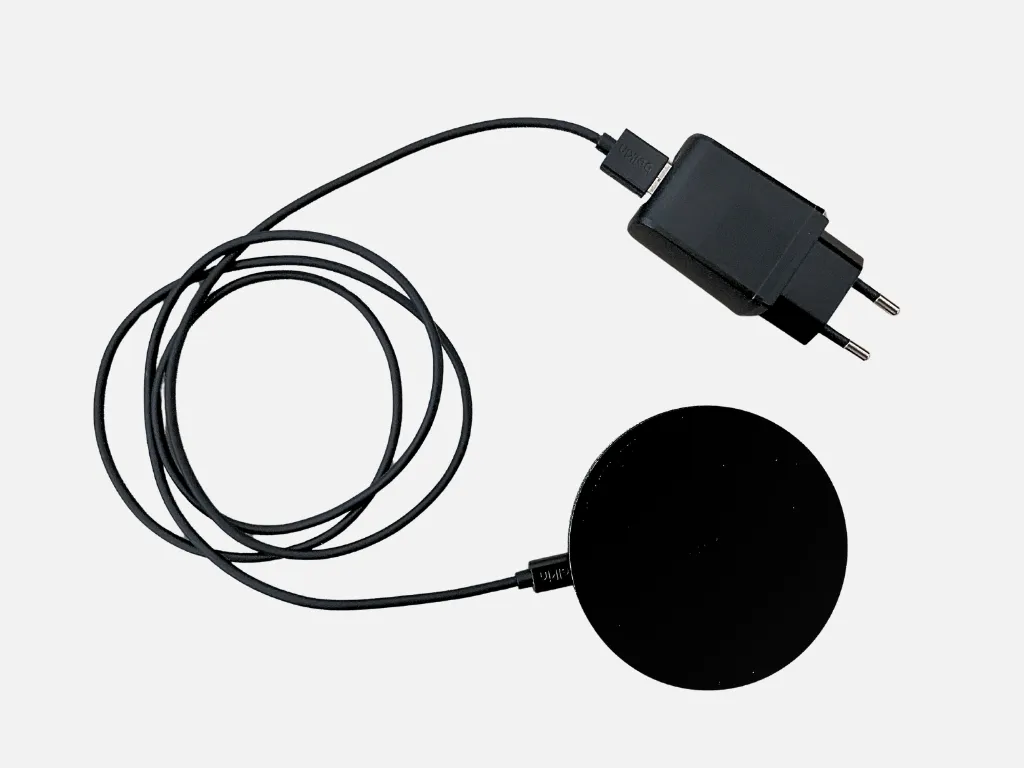
Wireless charging pad (Qi)
With the Belkin Boost Charge Wireless Charging Pad 10W (QC 3.0), you can charge your Qi-certified smartphone wirelessly (inductively).
It supports the fast-charging feature (Fast Charge) of many devices (Apple 7.5W, Samsung 9W, Google 10W). All other Qi-enabled devices charge at 5 watts.
Compatible with Qi-certified devices, such as
- iPhone 12, 12 Pro, 12 Pro Max, 12 Mini, 11, 11 Pro, 11 Pro Max, XS, XS Max, XR, X, 8, 8 Plus
- iPhone XS/11/12/SE (2nd Gen.)
- Galaxy Note9/10/10+
- Galaxy S20/S20+/S20 Ultra/S10/S10+
- Google Pixel 4, 4XL, 3, 3XL
- AirPods Pro, AirPods 2nd Gen.
- AirPods Wireless Charging Case (2nd Gen.)
- Samsung Galaxy Pixel Buds/Buds+ Case
Please check compatibility yourself. The library is not liable for any damage to devices caused by using the charging pad.
Also suitable for smartphones with protective cases up to 3 mm thick.
The loan package includes: charging pad, USB-Micro cable, USB power adapter (Quick Charge 3.0-compatible)
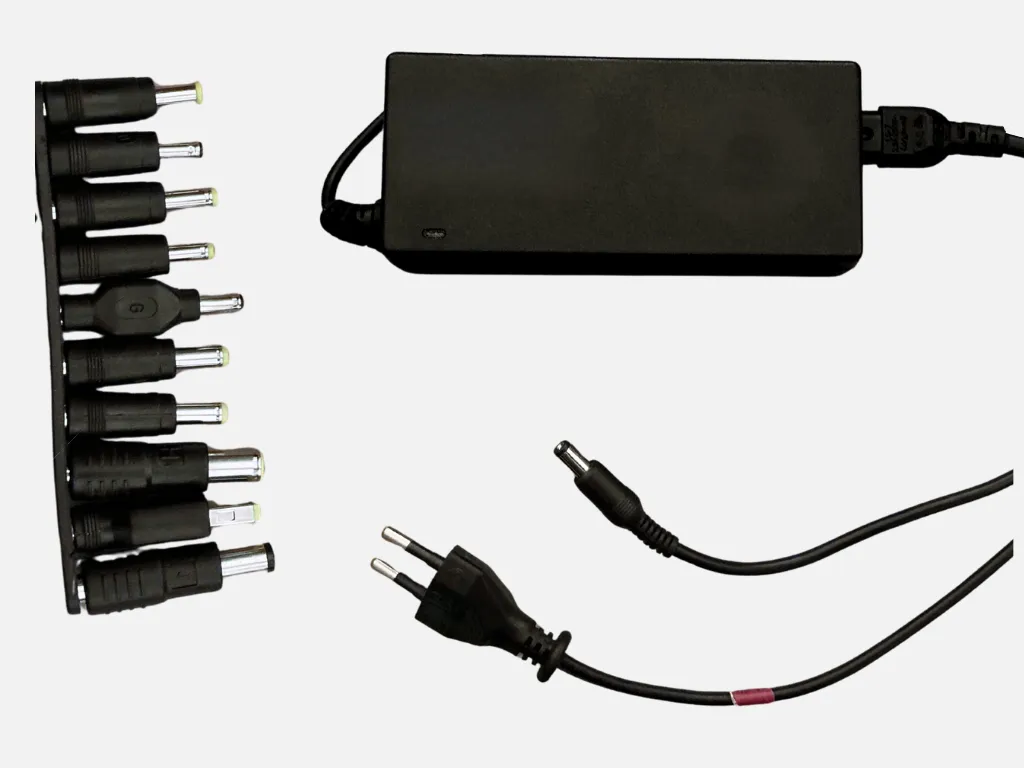
Universal power adapter for laptops
If your laptop battery is running low and you've forgotten your power adapter, you can borrow one!
Tecknet 90W Universal Laptop Power Adapter
- 8 adapter tips for laptops from the following brands: Acer, Compaq, Dell, Delta, Fujitsu, Gateway, HP, IBM, LG, Liteon, NEC, Samsung, Sony, Toshiba
- Additional USB power port (5V/1A)
Silvercrest 90W Universal Laptop Power Adapter
- 10 adapter tips for laptops from the following brands: Acer, Asus, BenQ, Compaq, Dell, Fujitsu, HP, IBM, Lenovo, NEC, Samsung, Toshiba
- Output power: max. 90 W
- Output current: 4.74–5 A
- Output voltage: 12–19 V
- Input: 110–240 V, 50/60 Hz, 1.5 A
- Automatic voltage selection
The user is solely responsible for verifying compatibility. The library is not liable for any damage to devices resulting from the use of this power supply.
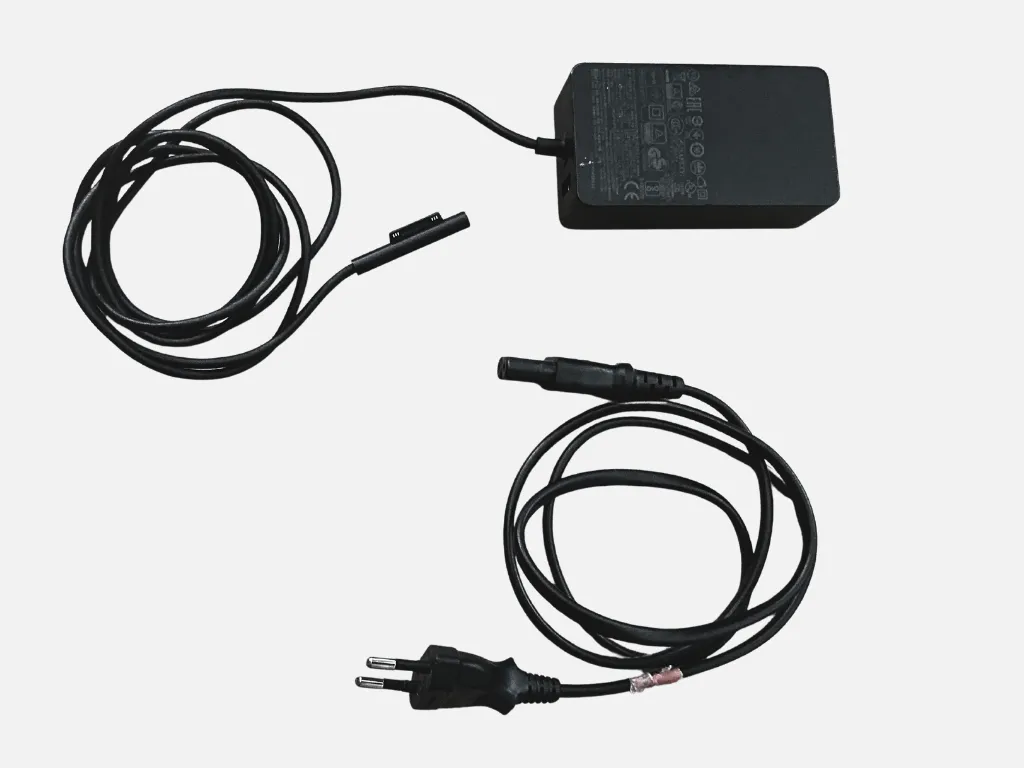
Power adapter for Microsoft Surface
Power adapter that can be used to charge Microsoft Surface devices via the Surface Connect port. Additionally, another USB device can be connected to the power adapter via USB-A (5W) for charging.
Compatibility according to Microsoft:
- Surface Book, Surface Book 2
- Surface Laptop, Surface Laptop 2
- Surface Pro, Surface Pro 4, Surface Pro 3, Surface Pro 6
Technical Specifications
65W: Model No. 1706; Input: 100–240 V~1.6 A, 50/60 Hz; Output: 15 V=4 A, 5 V=1 A
44W: Model No. 1800; Input: 100–240 V~1.16 A, 50/60 Hz; Output: 15 V=2.58 A, 5.1 V=1 A
The user is solely responsible for verifying compatibility. The library is not liable for any damage to devices resulting from the use of the power supply.
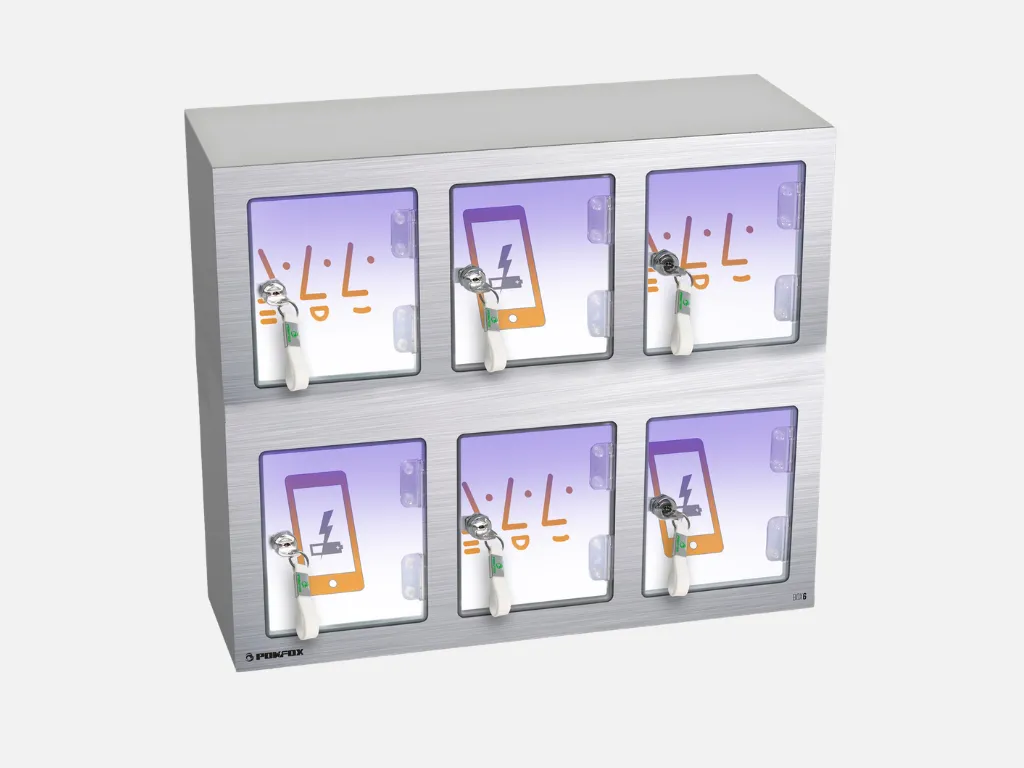
Cell phone charging station
Let your smartphone charge in peace while you study in peace!
To do this, you can use a lockable compartment in the cell phone charging station located by the window in the library’s counter area. You can get a key for a charging compartment at the library counter.
Please turn off your device or set it to silent mode while it’s charging.
Each compartment in the charging station is equipped with 3 charging cables:
- microUSB cables for most Android smartphones
- USB-C cables for most Android smartphones
- Lightning cables for iPhones
Charging voltage: 5 V / Max. charging current per slot: 2 A
The library is not liable for loss or damage to connected devices. A fee of 20 euros will be charged if the key is lost.
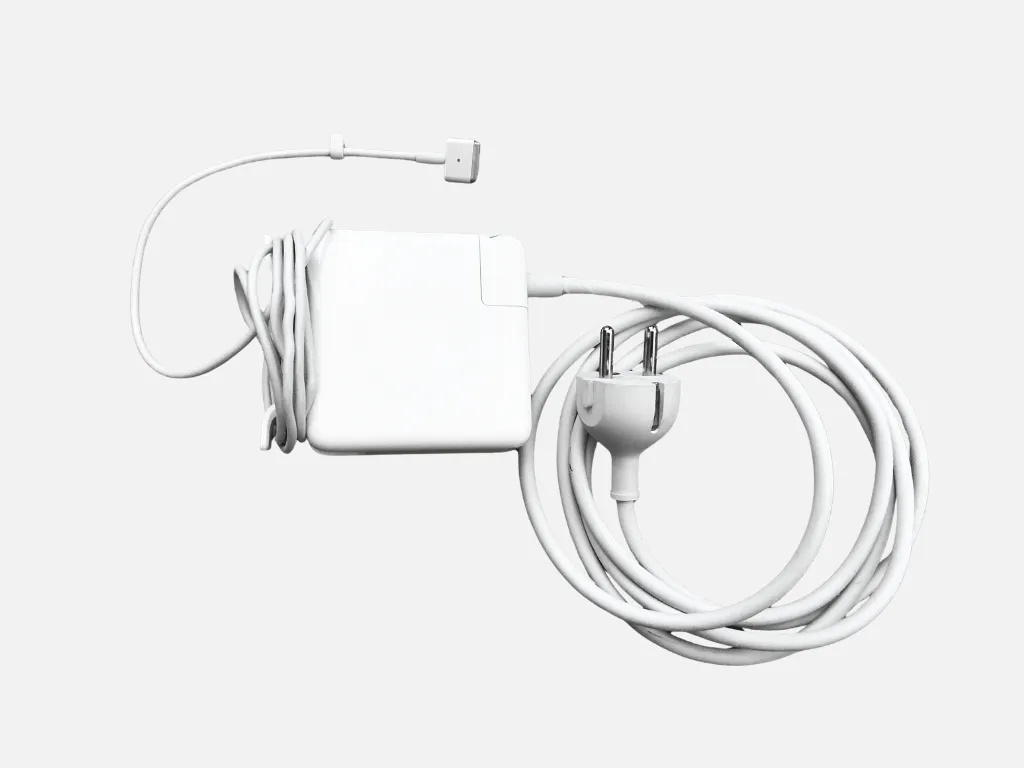
Power Adapter (85 W) for MacBook Pro with MagSafe 2
A power adapter that allows you to charge MacBook Pro computers with a MagSafe 2 connector from a wall outlet.
Compatibility Notes:
- The user is solely responsible for verifying compatibility. The library is not liable for any damage to devices resulting from the use of this power adapter.
- This power adapter is officially recommended by Apple for the 15″ MacBook Pro Retina (models from 2012–2015)
- “You should use a power adapter with the correct wattage for your Mac notebook. You can use a compatible power adapter with a higher wattage, but this will not charge your computer any faster nor will it affect how it works.” (Source: Apple) -> So it seems you can also use it to charge the following MacBooks, for which MagSafe 2 power adapters with lower wattage are actually recommended:
- MacBook Pro Retina, 13-inch (late 2012–early 2015) (recommended: 60-W MagSafe 2 power adapter)
- MacBook Air 11″ (mid-2012–2015) (recommended: 45-W MagSafe 2 power adapter)
- MacBook Air 13″ (mid-2012–2017) (recommended: 45-W MagSafe 2 power adapter)
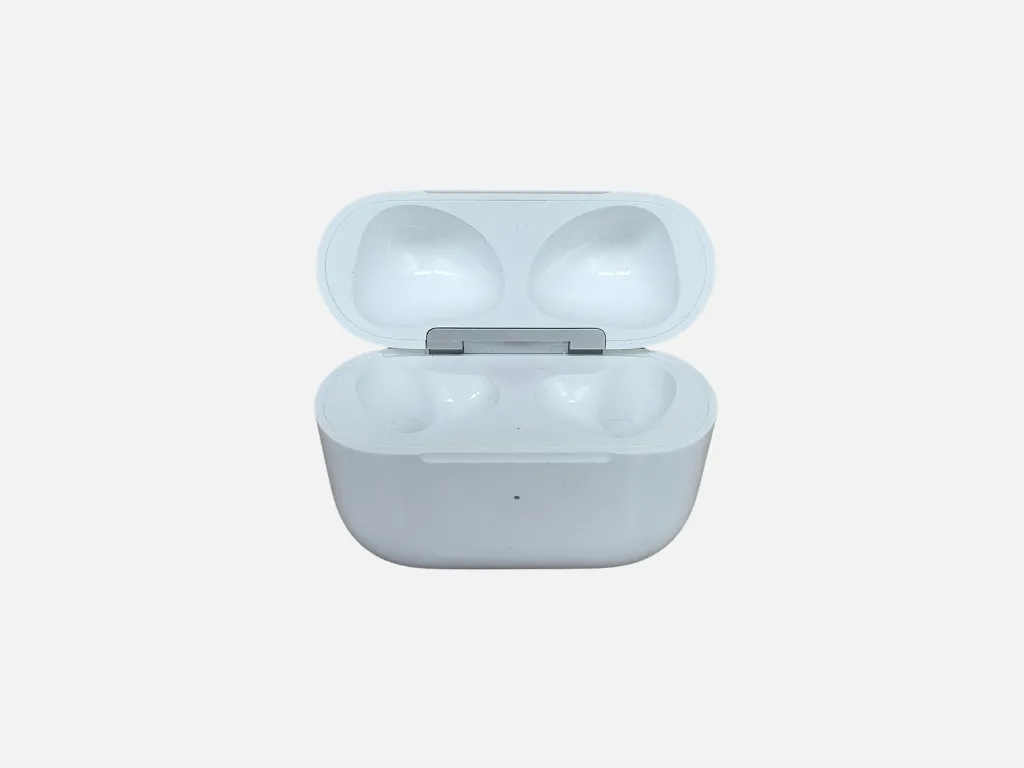
Charging case for AirPods (3rd Gen.)
If your 3rd-generation Apple AirPods ever stop working, feel free to borrow a charging case from us to bring them back to life!
5 minutes in the case provides about 1 hour of playback or about 1 hour of talk time
Compatibility: Compatible only with 3rd generation (Model numbers: A2565, A2564; released in 2021)
You are responsible for verifying compatibility yourself. The library is not liable for any damage to devices that occurs while using the charging case.
The MagSafe charging case for AirPods is compatible with Qi-certified wireless chargers and can be magnetically attached to MagSafe-compatible chargers. There is a Lightning port on the bottom of the case for charging via a wall outlet.
The status indicator is located on the front of the case.
How do you pair the AirPods case with your AirPods?
- In the iPhone menu, go to “Settings,” select “Bluetooth,” and tap the info button next to the headphone icon.
- Tap “Ignore This Device” and then tap “Ignore Device” twice in a row.
- Now place both earbuds in the charging case.
- Open the lid and check the status indicator. It should be flashing yellow.
- Press and hold the setup button on the back of the charging case for several seconds until it flashes white.
- On your iPhone, go to the Home screen.
- Open the charging case and hold it right next to the iPhone. The animation for setting up the earbuds should start.
- Finally, just tap “Connect” and then “Done.”

Power extension cord
5-meter power extension cord (cable type H05VV-F 3G1.5)

Multi socket
Grounded multi socket with one plug, a 1.5-meter cord, and 3 outlets with safety shutters.
Maximum voltage: 250 V.
Max. current: 16 A.