Prototyping an AR Application
The purpose of this bachelor's thesis is to demonstrate how prototyping can be used in the development process of an AR application. In doing so, the thesis aims to meet high usability requirements and take into account the specific characteristics of AR applications (e.g., spatial projection).

Prototyping an AR Application
Degree Program
ET - Discontinued
Project Description
Computer applications, including augmented reality (AR) applications, are not standalone systems but interact with their users—they are interactive. For this reason, users should always be viewed as part of a software project and involved early in the development process.
One method for involving users in the development of new products is prototyping. This process simulates the functionality and appearance of the final product, often without actually implementing them.
This bachelor’s thesis aims to demonstrate how prototyping can be used in the development process of an AR application. In doing so, it seeks to meet high usability requirements and take into account the specific characteristics of AR applications (e.g., spatial projection).
People Involved
Student Group: Maximilian Renz
Advisor: Prof. Dr.-Ing. Claudia Meitinger
Course
Bachelor’s Thesis
Duration
Winter Semester 2021/22
Requirements
To achieve a high level of usability, user requirements are defined, and design solutions are then developed and evaluated.
In the development of “traditional” 2D computer software, so-called paper prototyping is often used to develop and compare different design solutions. In this process, a version of the future program is sketched on paper. Functionality can be simulated by switching or modifying the current representation. This allows users to be involved early in the development process, enabling the design solutions to be tested for their ability to meet user requirements.
With augmented reality, it is no longer just humans and computers that interact; the environment now plays a role as well. Content is placed within the space, and the user’s interaction flows seamlessly between real and virtual objects. These circumstances mean that a paper prototype is no longer suitable for either displaying AR content or interacting with it.
Implementation
The following table lists typical criteria that generally help achieve high usability in software applications:
| Criterion | Explanation |
| Visibility | Directing attention to make relevant parts of an action visible |
| Feedback | Clear feedback to confirm that the current input has been processed |
| Affordance | The nature of an (virtual) object that indicates how it can be interacted with based on its characteristics |
| Control Options | Sufficient control elements for feasible actions |
These are also relevant for AR prototyping.
To illustrate these findings, an application is being developed for Microsoft’s Hololens 2 AR headset. The app is designed to provide appropriate instructions for each step required to change materials on the “Ultimaker 3” 3D printer.
The following is an example of how an action for selection in the printer menu is indicated. The affordance is clarified by using a virtual hand model to suggest the necessary action for pressing a button. Additionally, the frame is used to direct the user’s attention to the display. For comparison, the second image shows the corresponding part of the future AR application.


Uses
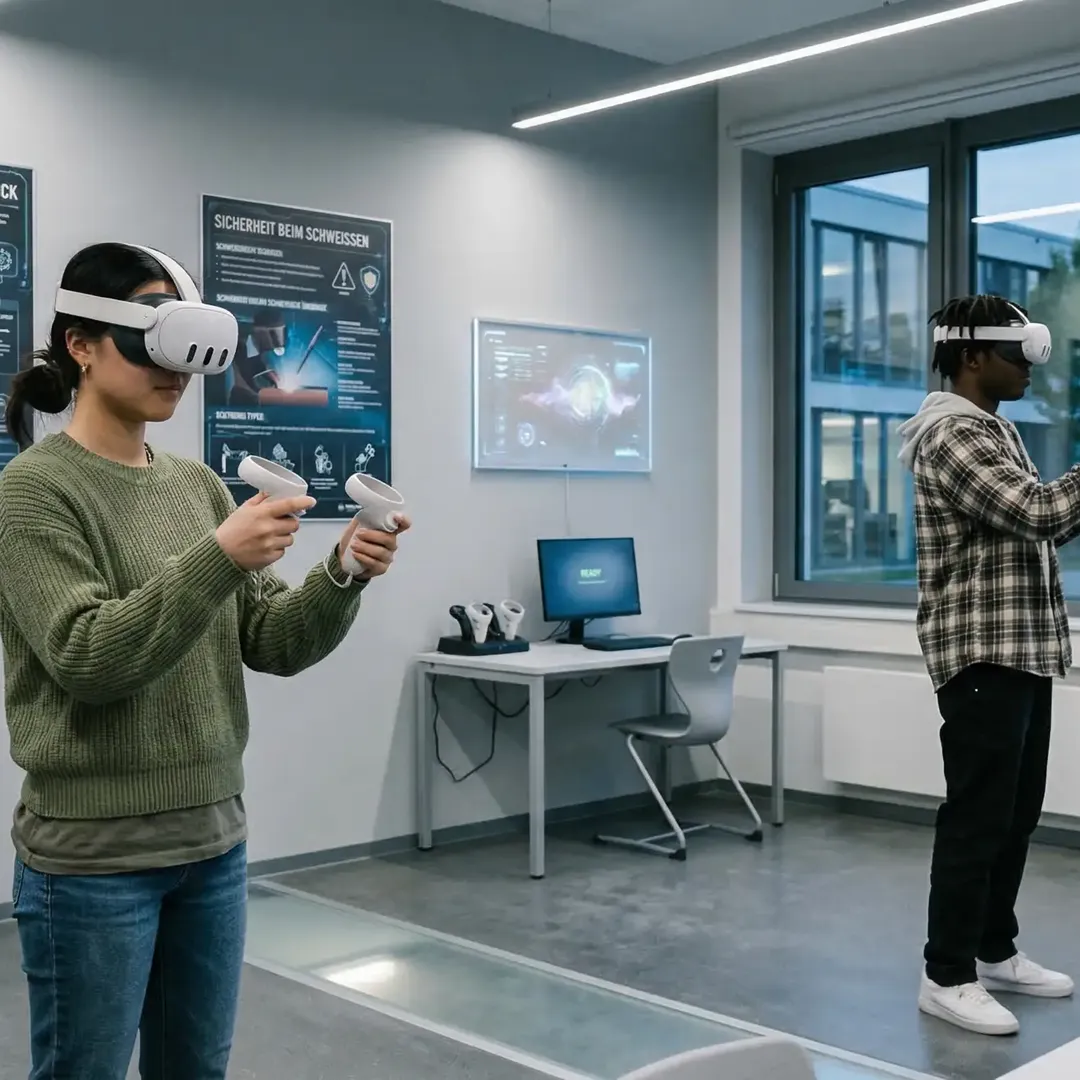
The video shows the prototype development of an application for augmented reality smart glasses. It illustrates how virtual content is displayed in space and how users can interact with the overlaid holograms.
Sources
[1] C. Snyder, *Paper Prototyping*, 2003.
[2] ISO 9241-210 Human-Centered Design of Interactive Systems, 2019.
[3] D. A. Norman, *The Design of Everyday Things*, 2008.
[4] J. Nielsen, *Usability Engineering*, 1993.